
Mobile SSH for AI coding agents.
We built Vector for developers who run Claude Code, Codex, Aider, and similar tools on remote machines. We give those sessions a phone-sized SSH surface for approvals, long-running output, and recovery when the network changes.
- Agent-aware
- We make blocked Claude Code and Codex sessions easy to approve from a phone.
- Durable sessions
- We keep remote agent work reachable through locks and network changes.
- Local by design
- No Vector account, backend, or in-app telemetry.
- No Vector account
- Add a host and connect. No sign-up flow.
- No Vector backend
- SSH goes from your device to your servers.
- No in-app telemetry
- No product analytics or crash-reporting SDKs.
Generic mobile SSH lacks features agent sessions need.
Approval prompts should not disappear in a wall of streaming output.
A coding agent should keep working when your phone locks or changes networks.
A mobile SSH app should not need a cloud account to remember your servers.
Built around the work an agent blocks on.
Agent approval prompts
Vector detects Claude Code, Codex, and other in-shell approval prompts so you can get back to the right session and answer without hunting through terminal output.
Workspaces over SSH
Resume or create durable tmux-backed workspaces from the phone UI. Provider details stay out of the way unless they matter.
Code-block actions
Tap AI-emitted code blocks to copy, explain, or run conservative single-line shell commands. Multi-line snippets stay manual by design.
Mosh and reconnects
Use SSH for the normal path, then switch supported hosts to Mosh for roaming and faster recovery on mobile networks.
Modern terminal core
xterm-compatible rendering, true color, mouse reporting, bracketed paste, Unicode handling, inline images, hyperlinks, and real Claude/Codex session fixtures.
Local credential storage
Hosts, keys, snippets, and logs live on your device. Credentials use platform secure storage and never sync through Vector.
The terminal you left on your desk, on your phone.
These are real sessions from a Pixel. Claude Code and Codex running on remote machines, reachable from a pocket.
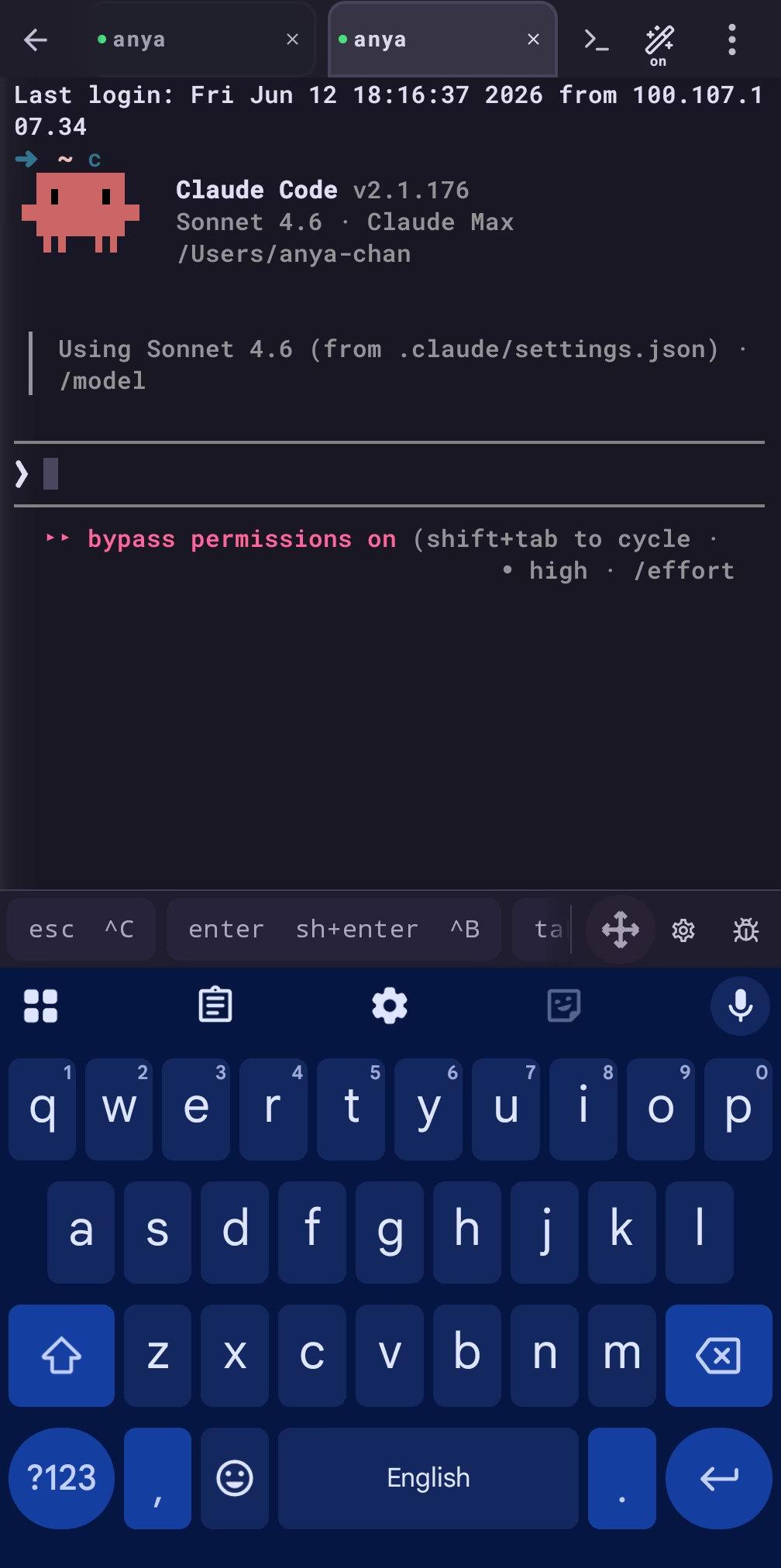
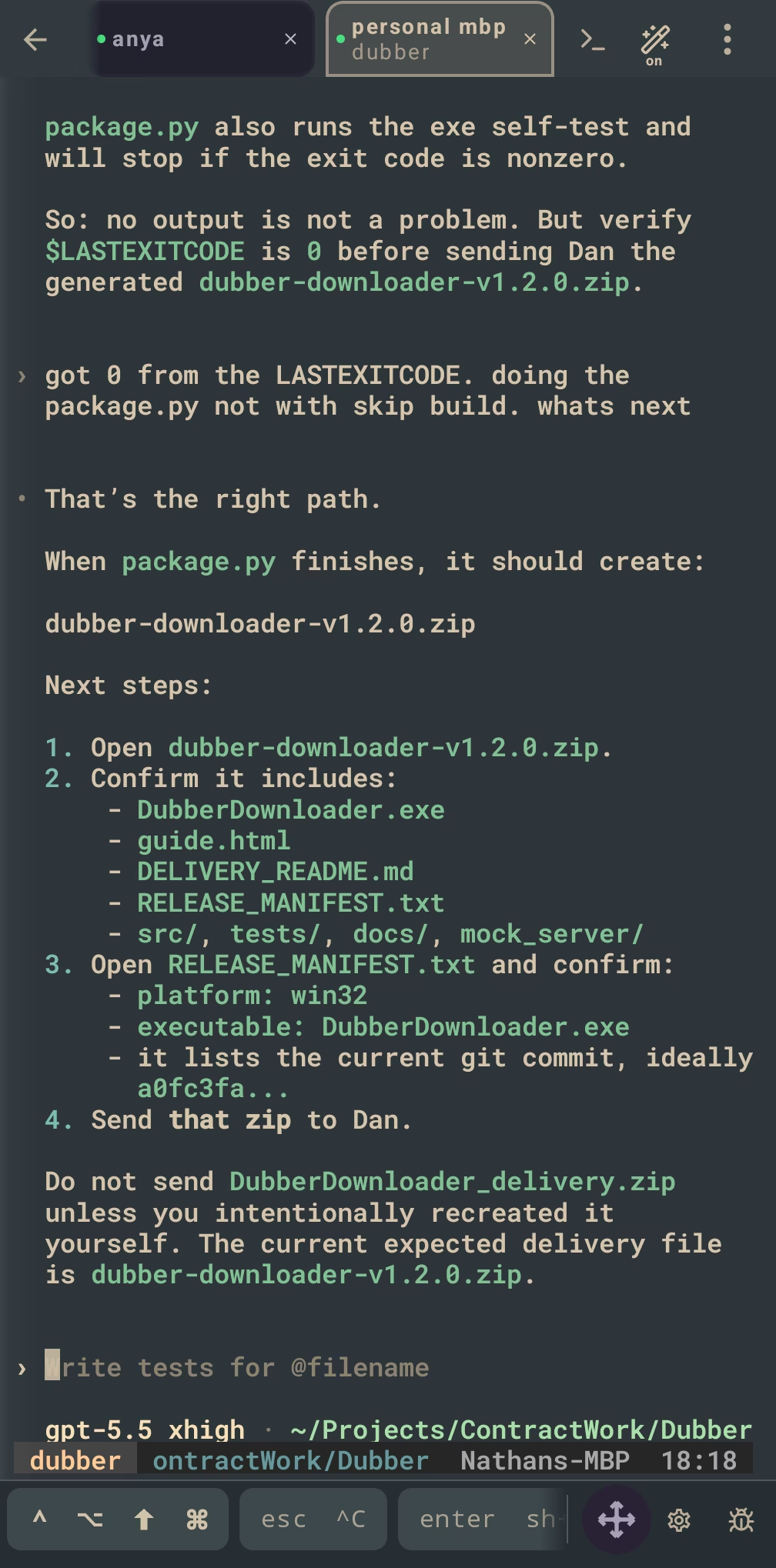
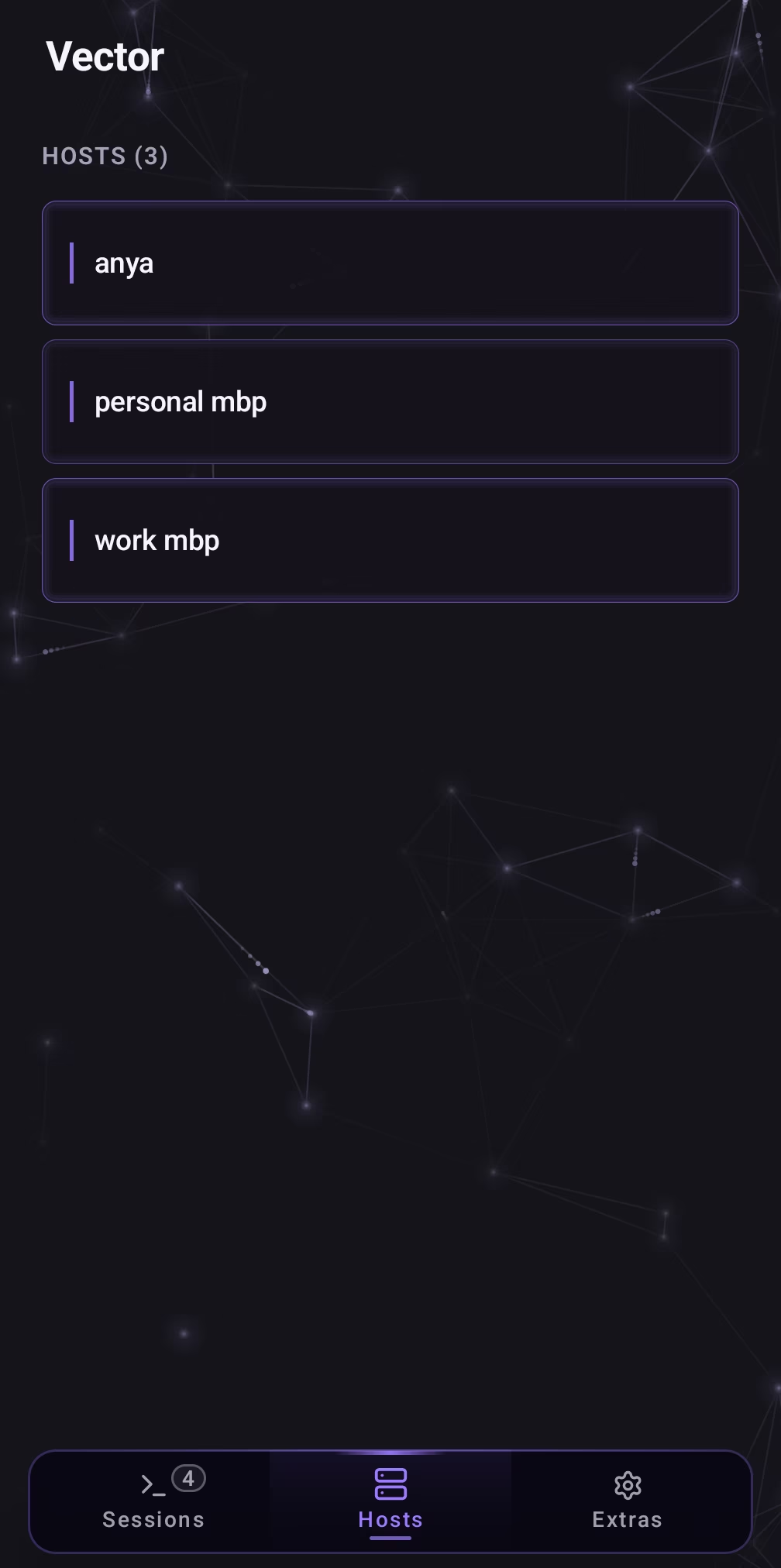
We built a real terminal core, not a thin text box.
We built Vector for long-running shells, TUIs, and AI coding agents that expect modern escape-sequence behavior on a small screen.
See the complete terminal list →Emulation
- xterm-256color profile
- ANSI/VT parser with CSI, OSC, and APC handling
- Primary and alternate screen buffers
- Scrollback, scroll regions, tab stops, and cursor save/restore
Text and input
- UTF-8, Unicode, and box-drawing glyphs
- 24-bit true color and 256-color palette
- Bold, italic, underline, inverse, blink, and strikethrough SGR
- Mouse reporting and bracketed paste
Modern terminal media
- OSC 8 hyperlinks
- Kitty graphics PNG payloads
- iTerm2 OSC 1337 inline images
- Terminal search and Claude/Codex replay fixtures
Vector does not sit between you and your servers.
Your SSH connections go directly from your device to hosts you configure. Vector does not run a proxy, sync service, account system, or telemetry endpoint for the app.
Hosts, keys, snippets, settings, and session logs live locally. Backups and exports are files you choose to create and store.
Common questions.
What is Vector?
We build Vector as a mobile SSH client for developers who run AI coding agents on remote machines and need to supervise them away from a desk. We help you approve prompts, monitor output, recover sessions, and still use the SSH features developers expect: host keys, port forwarding, SFTP, terminal compatibility, Workspaces, and local credential storage.
Is Vector only for Claude Code?
No. Claude Code is the clearest workflow, but Vector is built for AI coding agents that run inside a remote shell, including Codex and Aider. If you only need regular SSH, the same terminal, keys, port forwarding, SFTP, and reconnect features still apply.
Is Vector a chat app or hosted AI product?
No. We do not run an AI model, call an AI API, or proxy agent traffic. The agent runs on your server under your account. We make the SSH client you use to supervise remote agent sessions from your phone.
Why local-first?
Because host configs and SSH keys are sensitive. Vector does not require an account and does not upload your hosts, keys, snippets, or session logs to a Vector server. Connections go directly from your device to hosts you configure.
Does Vector collect any data?
Inside the app: no. Vector does not include product analytics, telemetry, advertising SDKs, or third-party crash-reporting SDKs. This marketing site uses Vercel Web Analytics for anonymous page-view counts; the app does not.
How much will Vector cost?
We have not published pricing yet. We will update this site when store details are final.
Follow the launch, or read the trust model first.
We will post store links here when the public release is live. Vector is for developers who want remote Claude Code, Codex, and Aider sessions within reach, without adding a Vector account, backend, or in-app telemetry.
Follow @VectorSSH on X for launch day.